
Sending large files is still one of the most common frustrations in modern work. Email attachments are limited. Cloud storage requires permissions. And many file sharing tools introduce unnecessary steps that slow teams down. Whether you’re sending a client proposal, a video file, engineering documents, or legal paperwork, the process should be simple, secure, and trackable. Here’s how professionals are sending large files in 2026.
Why Email Still Fails for Large Files
Most email platforms limit attachments to 10–25MB.
This creates problems when sharing:
design files
videos
presentations
contracts with attachments
technical documentation
Teams often resort to compressing files, splitting documents, or uploading them to separate tools - creating unnecessary friction.
This is why dedicated file transfer platforms have become essential.
What Modern File Transfer Should Do
Today’s teams expect more than just sending files.
Modern document platforms should allow you to:
send very large files instantly
track when files are opened or downloaded
control access permissions
protect sensitive documents
manage document workflows in one place
The goal isn’t simply transferring files - it’s keeping work moving without interruption.
The Faster Way to Send Large Files
Platforms like Docsora are designed specifically to remove the friction around document workflows.
Instead of juggling multiple tools, teams can:
upload large files quickly
generate secure sharing links
track recipient activity
manage documents across workflows
Docsora supports transfers of up to 500GB, making it suitable for teams handling large data sets, design files, or enterprise documentation. Users dont require an account, head to app.docsora.com/services/transfer and send large files up to 500gb and share the link with anyone to download
Security Matters When Sharing Files
Large file transfers often include sensitive information.
A modern platform should include:
encryption during transfer
controlled access links
audit trails
enterprise security standards
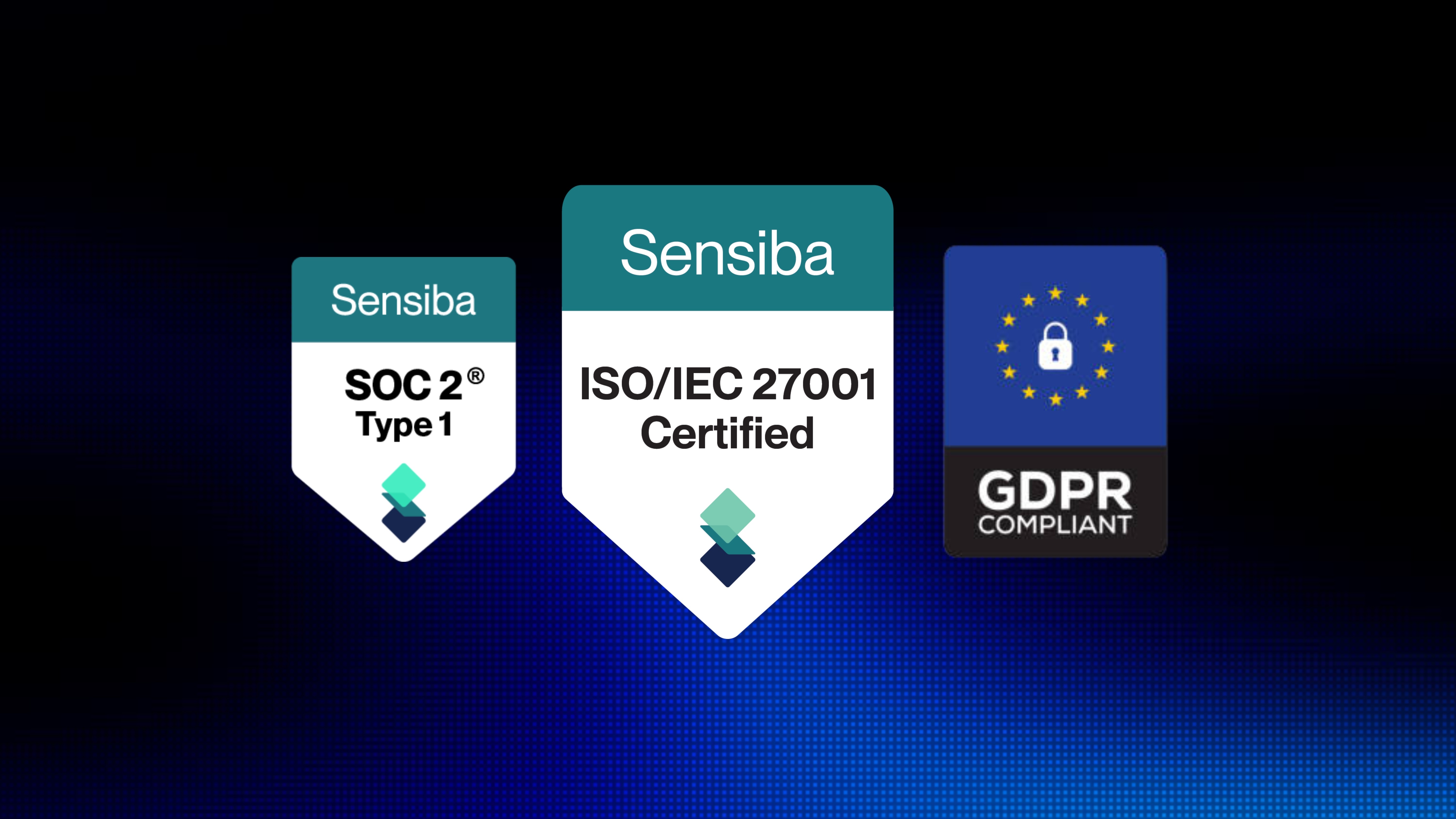
Docsora operates under an ISO 27001 certified Information Security Management System, GDPR Compliance and SOC 2 Type 1 Attestation, ensuring structured security controls across the platform.
How to Send Large Files with Docsora
Sending large files with Docsora is simple and does not require an account.
Go to app.docsora.com/services/transfer
Upload your file (Docsora supports files up to 500GB)
Once the upload is complete, generate a secure shareable link or share via email
Send the link to anyone who needs access to the file
The recipient can download the file directly from the generated link
This makes it easy to share large documents, design files, videos, or project assets without worrying about email attachment limits.
Because the transfer is link-based, you can share files with anyone - even if they don’t use Docsora.
Why Teams Use Docsora for Large File Transfers
Docsora is designed to make document workflows faster and simpler. Instead of juggling multiple tools, teams can send large files, manage documents, and handle approvals within a single platform. Every transfer sent remains in the platform securely. Users can access their old transfers, make them active and reshare links in one click.
Key benefits include:
Send files up to 500GB
No account required for transfers
Secure shareable download links
Fast uploads and downloads
Built for modern document workflows
Try Sending a Large File
If you need to send a large document or file quickly, you can start immediately.
Upload your file and generate a secure link here:
https://app.docsora.com/services/transfer