How to Convert a PDF to JPG
Mar 17, 2026

Learn how to convert a PDF into JPG images quickly while preserving quality using Docsora.
Convert PDF to JPG online → app.docsora.com/services/convert
How to Convert a PDF to JPG
Why Convert a PDF to JPG?
PDF files are great for documents, but sometimes you need to convert them into images.
Converting a PDF to JPG allows you to:
share pages as images
upload content to websites or social media
extract visuals from documents
embed pages into presentations
view content without needing a PDF reader
Images are more flexible and easier to use across different platforms. In this article, we will show you a step by step process of how to convert your PDF to JPG using Docsora.
Step 1 - Open the Convert Tool
Go to the Docsora Convert feature here: app.docsora.com/services/convert
Docsora allows you to convert PDF files into JPG images quickly and securely.
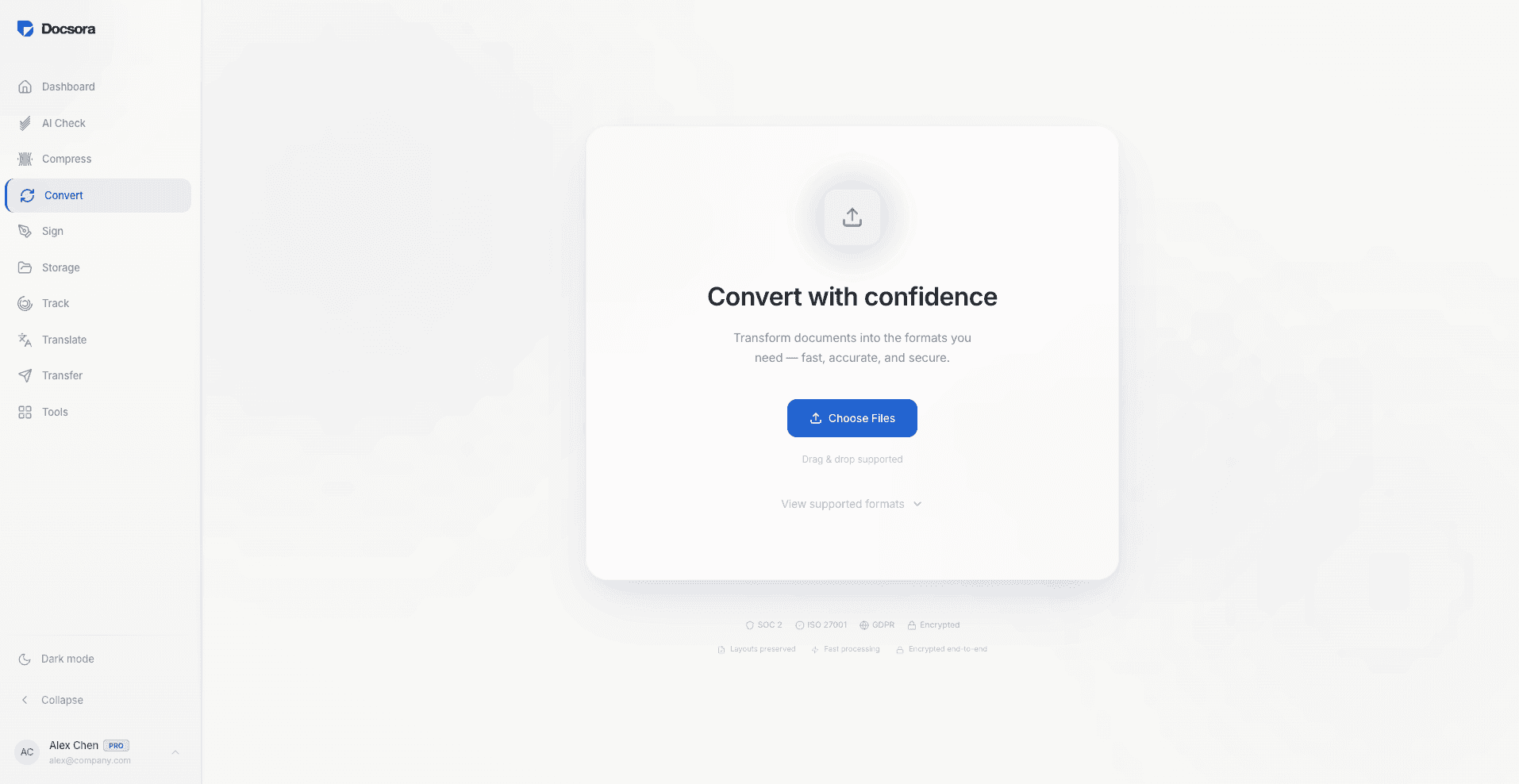
Step 2 - Upload Your PDF File
Upload the PDF you want to convert.
Docsora supports multi-page PDFs and will process each page individually.
Step 3 - Convert the File
Select Image as the output, then select JPG as the output format and start the conversion.
You will then have an option to create seperate images for each pages (will be downloaded in a ZIP folder) or merge all pages into one image. Select convert once the inputs have been filled.
Step 4 - Download the Images
Once the conversion is complete, download the JPG files.
Each page of the PDF will be saved as a separate image file available for download in a ZIP folder or one image, based on your request.
Tips for Converting PDF to JPG
To get the best results:
use high-quality PDFs for better image clarity
check resolution settings if available
review each page after conversion
ensure images are suitable for your intended use
This helps maintain image quality and usability.
When Should You Convert a PDF to JPG?
Converting PDFs to JPG is useful when:
sharing document content as images
extracting visuals or graphics
uploading pages to websites
sending previews of documents
embedding content into presentations
It simplifies how document content is used across platforms.
Convert PDF to JPG with Docsora
Docsora makes it easy to convert PDF pages into high-quality JPG images.
Upload your file, convert it in seconds, and download the images instantly.
Convert your PDF to JPG now → app.docsora.com/services/convert
FAQ
Can I convert a PDF to JPG for free?
Yes, you can convert PDF files into JPG images quickly using Docsora.
Will the image quality be preserved?
Docsora maintains high-quality output based on the original PDF.
Does each page become a separate image?
You have two options, merge all pages into one image or have each page converted into an individual JPG file.
Convert your PDF to JPG now → app.docsora.com/services/convert
Keep work moving.