How to Rearrange PDF Pages
Mar 17, 2026

Learn how to rearrange PDF pages and change the order of pages in a document quickly using Docsora.
Rearrange PDF pages online → app.docsora.com/services/tools/organize
How to Rearrange PDF Pages
Why Rearranging PDF Pages is Useful
PDF documents sometimes contain pages in the wrong order, especially when files are created from multiple sources.
Rearranging pages allows you to organise the document properly without recreating the entire file.
Common reasons to reorder PDF pages include:
correcting page order in reports
organising presentations
restructuring documents before sharing
arranging scanned documents correctly
preparing files for printing
Reordering pages ensures the document flows logically and is easier to read. In this article, we will show you a step by step process of how to split your PDF using Docsora.
How to Rearrange PDF Pages Using Docsora
Step 1 - Open the PDF Tool
Go to the Docsora PDF tools and select the Organize feature here: app.docsora.com/services/tools/organize
This tool allows you to change the order of pages in your PDF document.
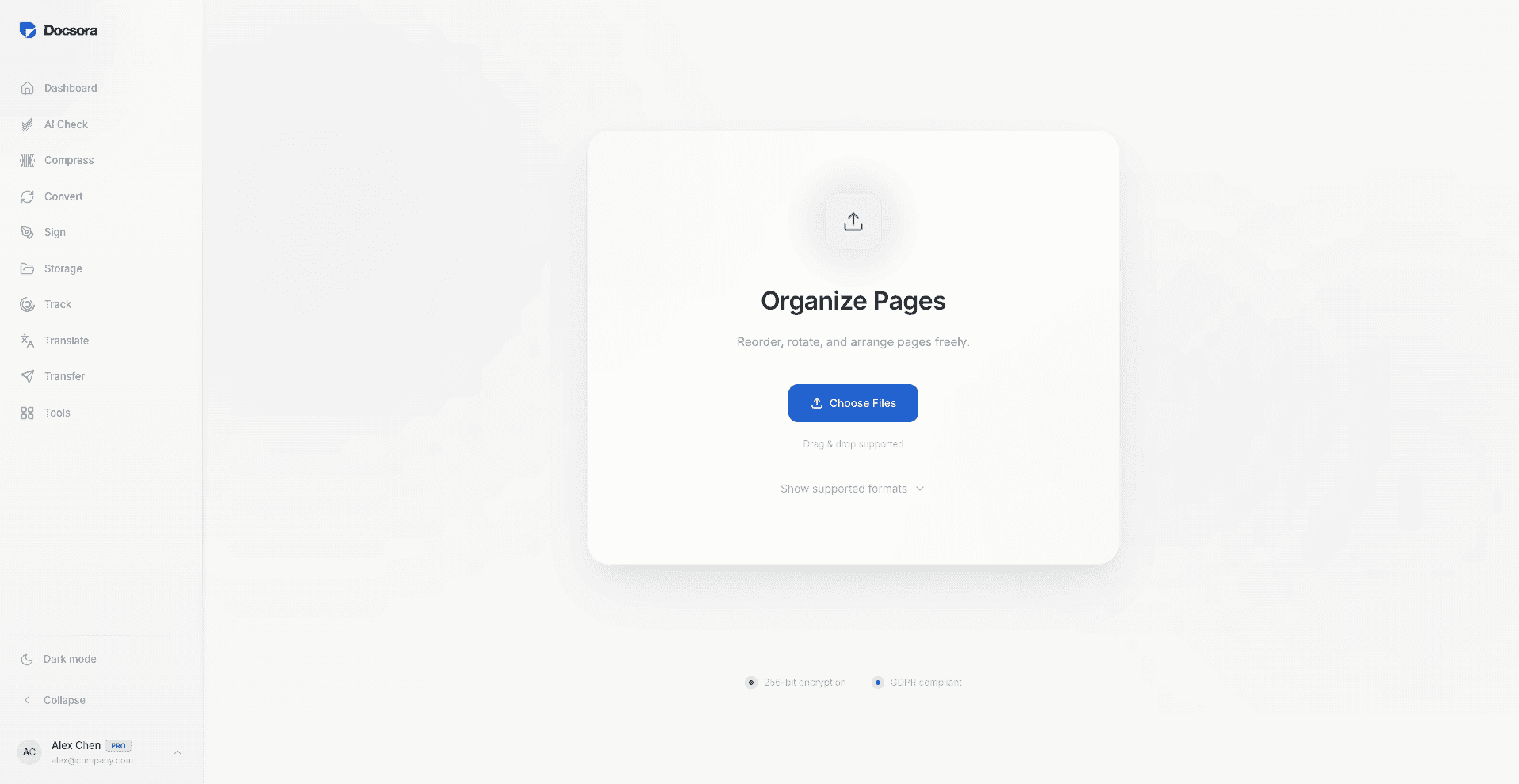
Step 2 - Upload Your PDF
Upload the PDF file you want to organise.
Docsora will display the document pages so you can easily manage them.
Step 3 - Drag and Reorder Pages
Select the page you want to move and drag it to a new position in the document.
You can rearrange pages in any order until the document structure is correct.
Step 4 - Apply the Changes
Once you have arranged the pages in the correct order, click Apply Changes.
Docsora will process the document and create a new PDF with the updated page order.
Step 5 - Download the Updated File
Download the updated PDF with the new page arrangement.
Your document is now properly organised and ready to share or use across any of the Docsora services.
Tips for Organising PDF Pages
When rearranging PDF pages:
review the document before finalising
ensure pages follow the correct sequence
check that headings and sections align
confirm the document flows logically
This helps maintain clarity and structure.
Rearrange PDF Pages with Docsora
Docsora makes it easy to reorganise PDF pages in seconds.
Upload your document, adjust the page order, and download the updated file instantly.
Rearrange your PDF pages now → app.docsora.com/services/tools/organize
FAQ
Can I reorder pages in a PDF without editing the content?
Yes, rearranging pages changes the order of pages without modifying the document content.
Can I move multiple pages in a PDF?
Yes, you can move pages to any position within the document.
Will rearranging pages affect the rest of the document?
No, the content of each page remains unchanged. Only the order of pages is updated.
Rearrange PDF pages online → app.docsora.com/services/tools/organize
Keep work moving.