How to Merge PDF Files Into One Document
Mar 16, 2026

Learn how to merge multiple PDF files into a single document quickly and easily using Docsora.
Merge PDF online → app.docsora.com/services/tools/merge
Summary
PDF files are commonly used for contracts, reports, presentations, and other documents. Sometimes you may have multiple PDFs that need to be combined into a single file.
Merging PDFs allows you to organise documents, send them more easily, and keep related files together.
This guide explains how to merge PDF files quickly using Docsora.
Why Merge PDF Files?
Combining PDF documents is useful when you need to:
merge multiple reports into one document
combine invoices or receipts
organise project documents
send several files in a single attachment
create a single presentation file
Instead of sending many separate documents, merging PDFs allows you to create one organised file.
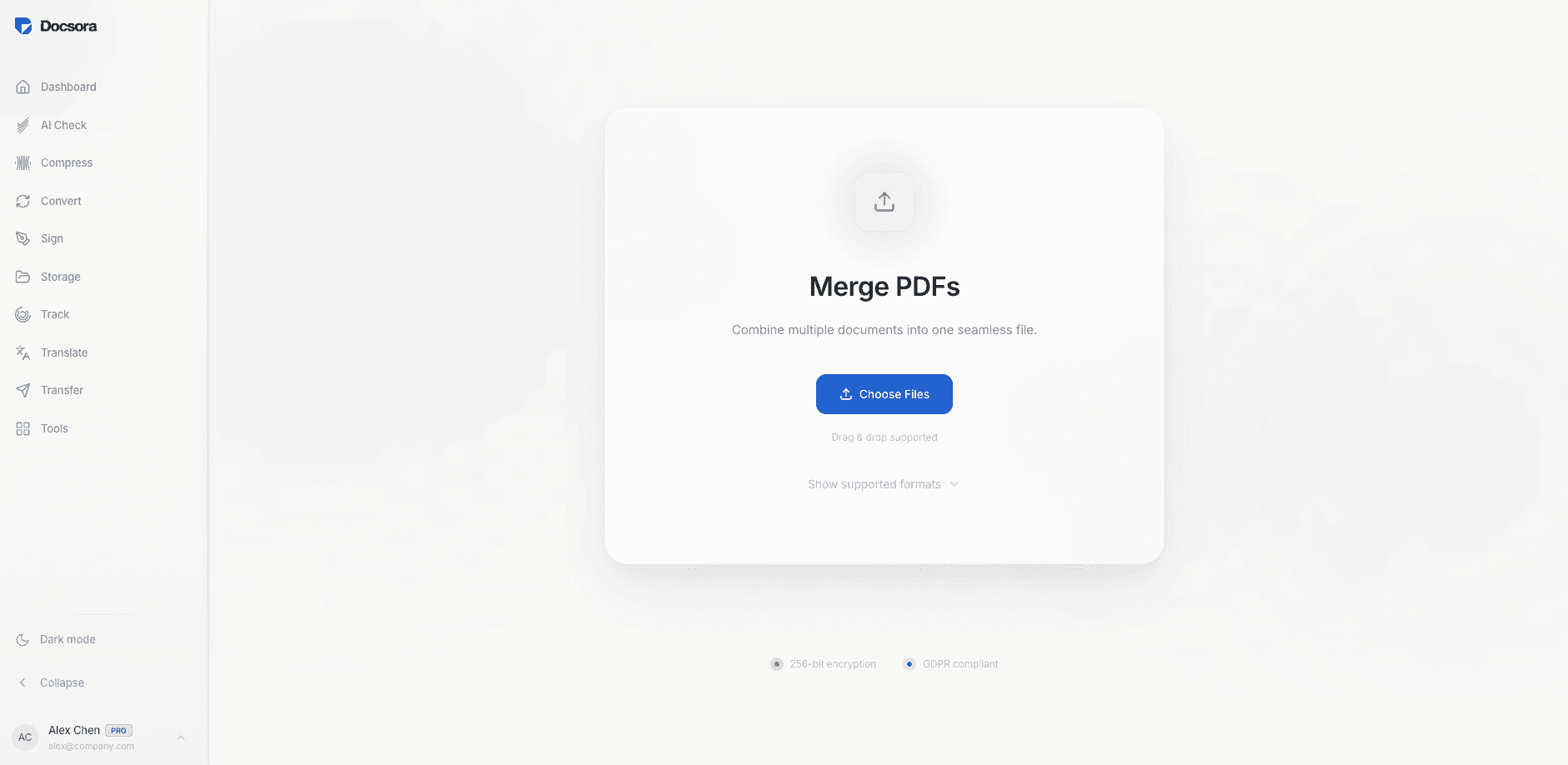
How to Merge PDF Files Using Docsora
Step 1 - Open the Merge PDF Tool
Go to the Docsora PDF tools section and select the Merge PDF tool.
Docsora allows you to combine multiple PDF files into one document in seconds.
Visit Docsora Merge PDF → app.docsora.com/services/tools/merge
Step 2 - Upload Your PDF Files
Drag and drop the PDF files you want to combine.
Docsora supports merging multiple documents at once.
Once uploaded, the files will appear in the editor.
Step 3 - Arrange the Document Order
Before merging, you can arrange the order of the documents.
This allows you to control how the final merged PDF will appear.
For example:
cover page first
main report second
supporting documents last
Step 4 - Merge the Files
Click Merge PDF to combine the files.
Docsora will create a single PDF document containing all the selected files.
Step 5 - Download the Merged Document
Once processing is complete, download the new merged PDF file.
You can now share or store the document as a single file.
Tips When Merging PDFs
To keep documents organised when merging PDFs:
arrange files in the correct order before merging
ensure documents have consistent page orientation
review the merged document after downloading
These steps help ensure the final file appears exactly as intended.
When Should You Merge PDF Files?
Merging PDFs is helpful when working with:
project documents
financial reports
contracts and agreements
academic papers
presentations
Instead of managing multiple files, merging creates a single structured document.
Merge PDF Files with Docsora
You can combine multiple PDF files quickly using Docsora.
Merge your documents and create a single organised file in seconds.
Merge PDF files now → app.docsora.com/services/tools/merge