How to Split a PDF Into Separate Pages
Mar 16, 2026

Learn how to split a PDF into separate pages from a document quickly using Docsora.
Split PDF online → app.docsora.com/services/tools/split
How to Split a PDF Into Separate Pages
Why You Might Need to Split a PDF
Sometimes a PDF contains many pages but you only need part of the document.
Splitting a PDF allows you to:
extract specific pages from a document
separate chapters from reports
send only the relevant pages
organise large PDF files
remove unnecessary sections before sharing
Instead of sending an entire document, splitting a PDF allows you to share only the pages you need.
In this article, we will show you a step by step process of how to split your PDF using Docsora.
Step 1 - Open the Split PDF Tool
Go to the Docsora PDF tools and select the Split PDF feature here: app.docsora.com/services/tools/split
This tool allows you to extract pages from a PDF or divide a document into multiple files.
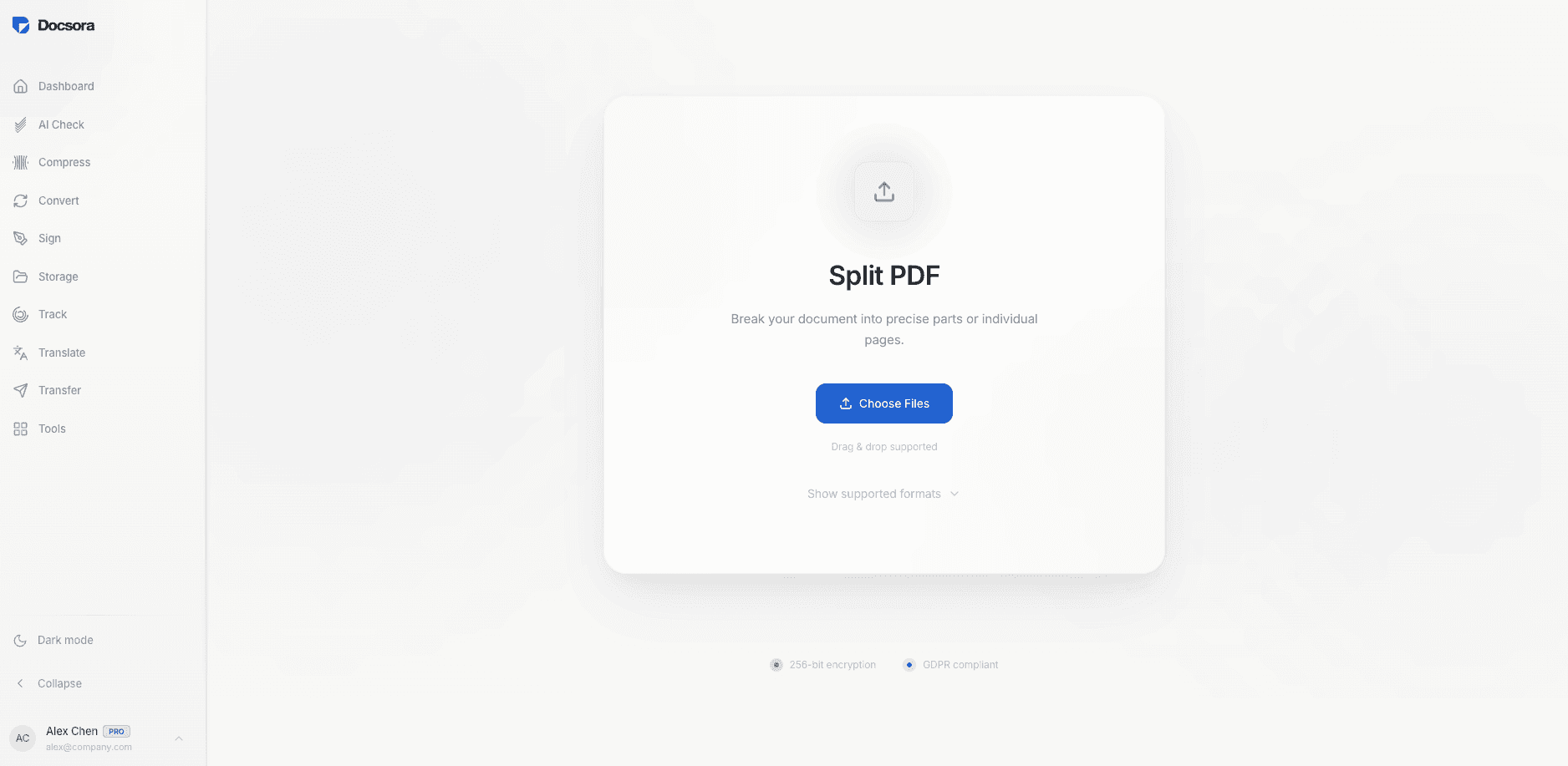
Step 2 - Upload Your PDF File
Drag and drop the PDF file you want to split into the upload area.
Docsora will load the document and display the pages.
Step 3 - Choose the Pages to Split
Select the pages you want to split from the originial document using the scissor icon.
For example you might choose:
pages 1–3
page 5 only
pages 10–15
This allows you to split the document into different outputs.
Step 4 - Split the PDF
Click Split PDF to create a new file containing the selected pages.
Docsora will process the document and generate a zip folder containing the new PDF documents - split by the ranges selected.
Step 5 - Download the New File
Once the process is complete, download the split PDF file.
You can now share or store the PDF documents separately.
When Should You Split a PDF?
Splitting PDFs is useful when working with:
long reports
contracts with multiple sections
presentations
scanned documents
academic papers
It helps keep documents organised and easier to share.
Split PDF Pages with Docsora
You can quickly split PDF files and extract the pages you need using Docsora.
Upload your document and create a new PDF containing only the selected pages in seconds.
Split PDF online → app.docsora.com/services/tools/split