How to Send Large Files Online (Up to 500GB)
Mar 16, 2026

Sending large files through email can be difficult because most email providers limit attachments to 10MB–25MB.
Transfer Large Files online → app.docsora.com/services/transfer
Why Email Cannot Send Large Files
Most email platforms restrict file sizes:
Typical limits:
Gmail: 25MB
Outlook: 20MB
Yahoo Mail: 25MB
If your file exceeds these limits, the email will fail to send or require uploading to cloud storage.
Large files that commonly exceed email limits include:
video files
design files
presentations
high resolution images
ZIP archives
PDF reports
This is where file transfer tools become useful.
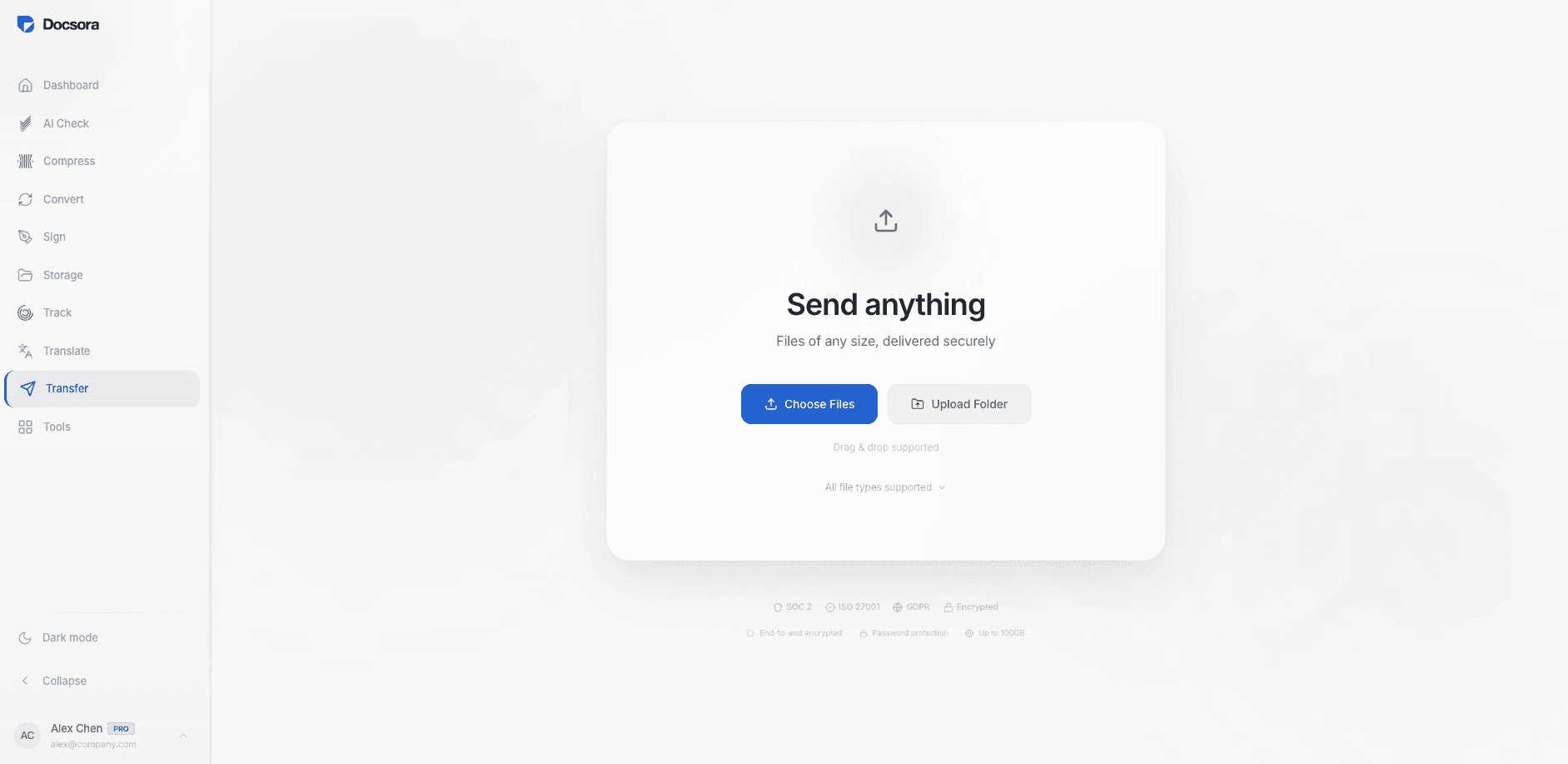
How to Send Large Files Online with Docsora
Step 1 - Open the Transfer Tool
Go to: app.docsora.com/services/transfer
Docsora allows you to send files up to 500GB without requiring the recipient to create an account.
Step 2 - Upload Your Files
Drag and drop the files you want to send.
Docsora supports many file types including:
PDF
Word documents
PowerPoint
images
videos
ZIP files
large datasets
Docsora accepts up to 100 different file types
Once uploaded, the files are securely processed.
Step 3 - Choose How to Send
Docsora gives two options:
Send via link: Generate a secure download link that can be shared anywhere.
Send via email: Enter the recipient’s email address and Docsora will send them the download link automatically.
Step 4 - Share the Files
The recipient receives a secure link where they can:
view the file details
download instantly
The recipients do not need a Docsora account to access the files.
Benefits of Sending Large Files with Docsora
Using Docsora for large file transfers offers several advantages:
send files up to 500GB
secure encrypted transfers
no recipient account required
fast upload and download speeds
simple link sharing
This makes it ideal for teams sharing:
large documents
creative assets
project files
research data
presentations
What If Your File Is Too Large?
If your document is large because of images or embedded files, you can reduce the file size before sending.
Docsora includes a PDF compression tool that can significantly reduce document size while keeping the content readable.
Try Docsora Large File Transfer
If you need to send large files quickly, you can start here:
Send large files online → app.docsora.com/services/transfer
Upload your files and generate a secure download link in seconds.