How to Fix “PDF Too Large for Email”
Feb 4, 2026

Learn how to reduce PDF file size or send large files using a secure transfer link.
Why Your PDF Is Too Large for Email
Most email platforms have strict attachment size limits.
Typical limits include:
• Gmail - 25MB
• Outlook - 20MB
• Yahoo Mail - 25MB
If your PDF file exceeds these limits, the email will not send.
Large PDFs often occur when the document contains:
• high-resolution images
• scanned pages
• graphics or charts
• multiple pages
• embedded fonts
Even simple documents can quickly grow beyond email limits.
Solution 1 — Compress the PDF File
The easiest solution is to compress the PDF to reduce the file size.
Compression reduces the size of images and file data while keeping the document readable.
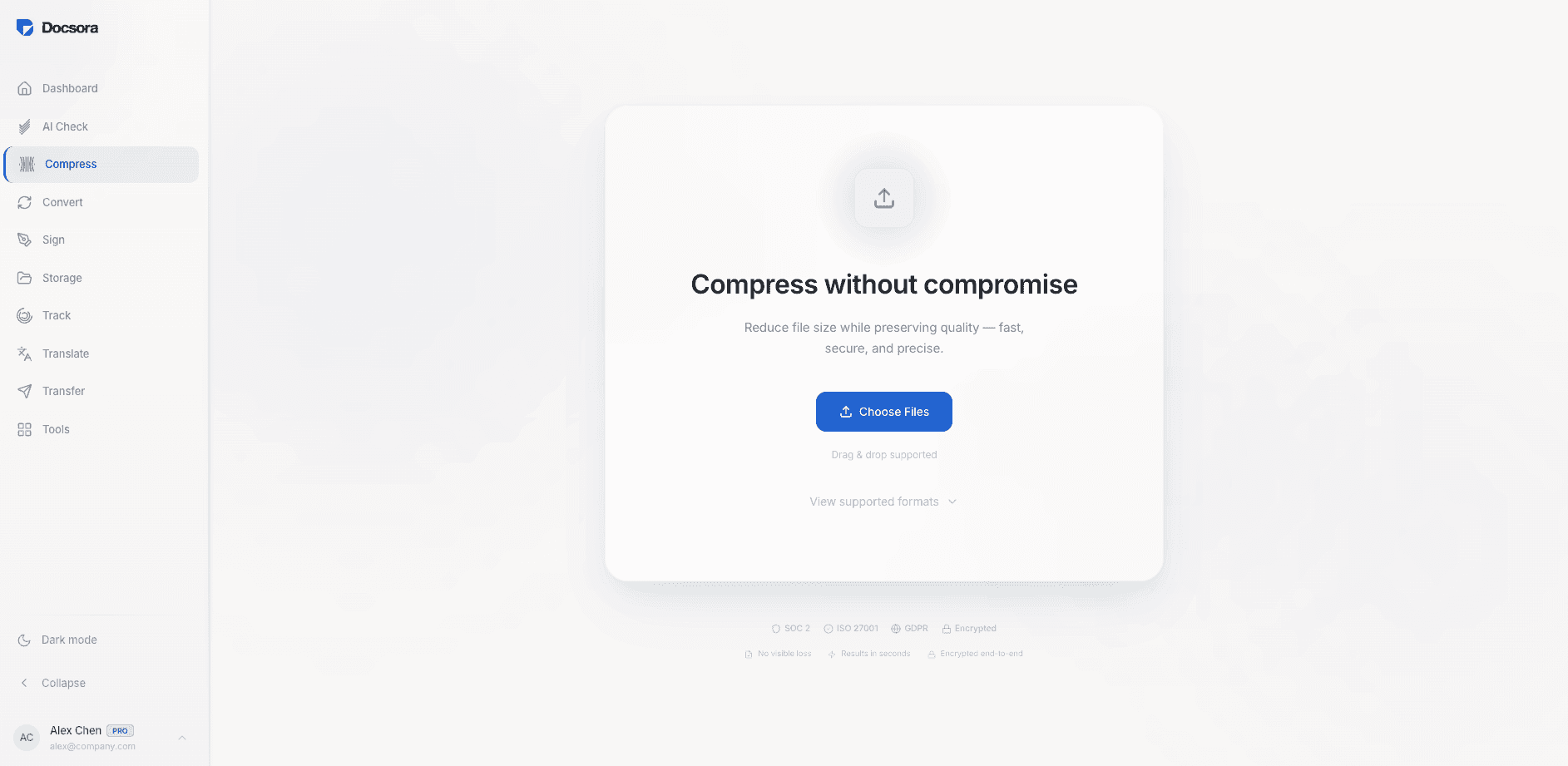
You can compress a PDF online using Docsora.
Compress PDF online → app.docsora.com/services/compress
Upload the PDF and choose a compression level:
Low compression
• smallest reduction
• best quality
Medium compression
• balanced size reduction
• minimal quality loss
High compression
• maximum size reduction
• slightly reduced image quality
After compression, download the smaller file and attach it to your email.
Solution 2 — Send the File Using a Secure Link
If the file is still too large after compression, sending it through email attachments may not be the best option.
Instead, you can upload the file to a file transfer platform and send a download link.
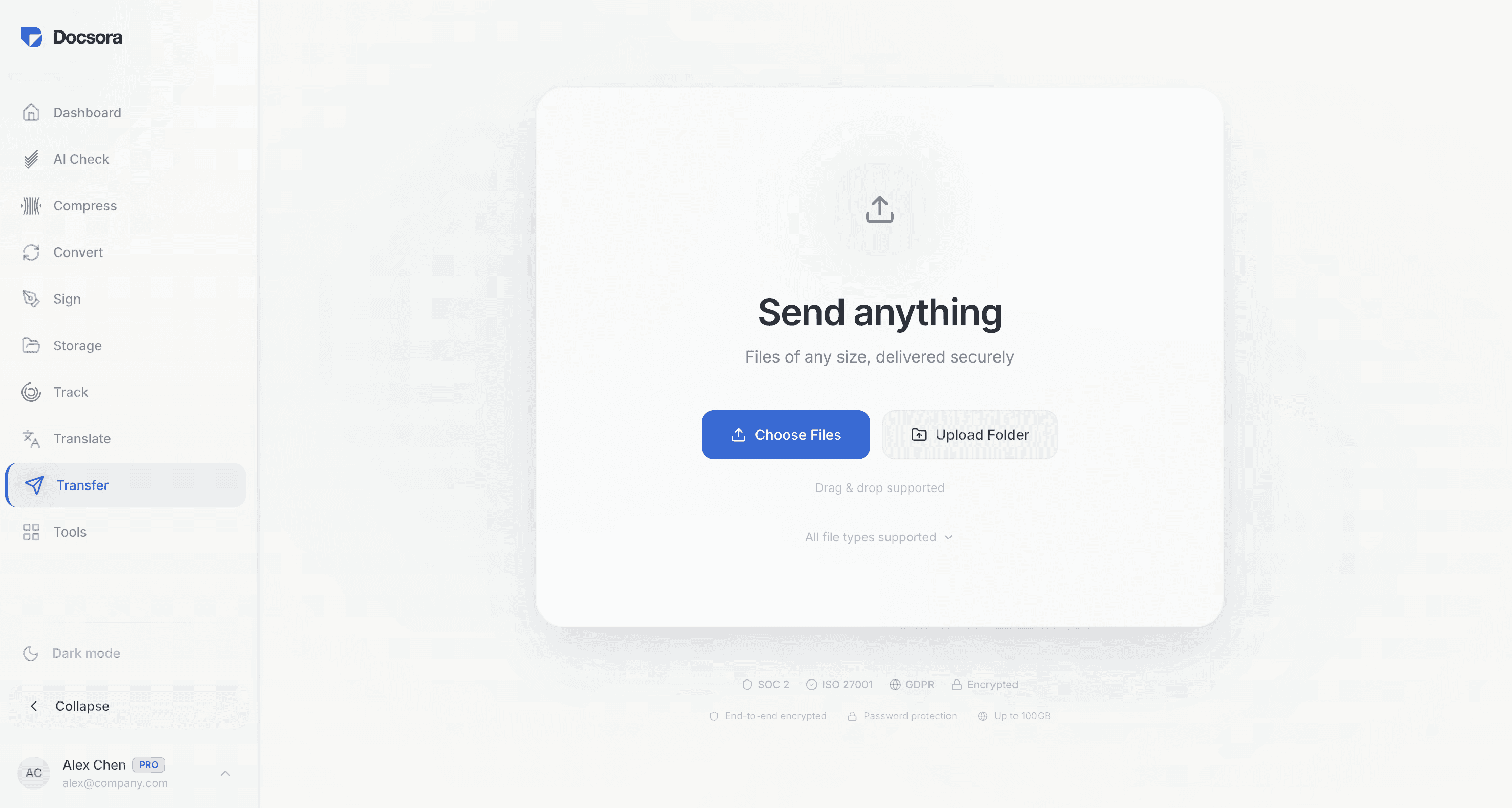
Docsora allows users to upload large files and share them using a secure link.
You can send files up to 500GB using the Docsora transfer tool.
Transfer Large File online → app.docsora.com/services/transfer
Upload the file, generate a link, and send the link to your recipient.
The recipient can download the file directly without attachment limits.
When to Compress vs Send a Transfer Link
Use compression when:
• the file is slightly over the email limit
• document quality must remain high
• you want to reduce storage size
Use large file transfer when:
• the file is too large to compress
• compression would significantly reduce quality
• you need to send videos or large documents in high quality formats
Send Large Files Easily
If your document is too large for email, using a transfer link is often the fastest solution.
Docsora allows you to send files up to 500GB securely.
Compress PDF online → app.docsora.com/services/compress
Transfer Large File online → app.docsora.com/services/transfer